
How much will it cost me each month?
You see it in real time, by provider and by model, with a cap that is never exceeded.
Choose which cookies you accept. You can change this at any time from “Cookie settings” in the footer of every page. Cookie policy
They make the website work, remember this choice, keep your conversation with the assistant if you use it, and protect the forms from bots. They cannot be turned off.
Google Analytics 4 measures statistically how the website is used. During your visit we also remember the campaign source you arrived with and the page you landed on, so we know which campaigns and pages bring us requests. Cloudflare Web Analytics counts visits without cookies and does not depend on this option.
Google Ads measures which requests reach us from our ads (conversions), without your name, email or phone number. It is not loaded until you accept this category.
marIA, the attendo AI
marIA drafts, classifies, scores, summarizes and answers questions about your data, inside the system where your team works. You approve what goes out, every operation is logged with its cost, and spending stops at the cap you set.
The problem
When a company considers using AI in its operations, the same three questions always come up. attendo answers all three with one screen.
You see it in real time, by provider and by model, with a cap that is never exceeded.
Every operation is logged: who ran it, on which document, with which model and what it cost.
Module by module. And without AI, attendo keeps working in full.
The idea
marIA works on the same data model as your team: the record, its timeline, the contract, the asset and the customer. That is why its proposals come with context, not with a snippet of text pasted into a chat. And that is why it is governed from a single place.
marIA in every layer
| Layer | What marIA does |
|---|---|
| On the record | Drafts the reply with the history in front of it. Summarizes audio, meeting minutes and voice notes. Answers by citing your manuals. Types what you dictate into text fields. And summarizes the meeting with its decisions: each proposed action becomes a task only if someone accepts it |
| In communications | Classifies email, detects tone and filters spam. Suggests replies in the inbox. Handles web chat and hands off to a person when needed. With voice bots, it also answers calls on your phone system: if the AI fails or does not understand, it passes the call to the queue, and every call is logged with its cost |
| In processes | Draws the flow you describe in plain language and explains why a run did what it did. AI decision nodes choose the branch of the flow. AI Autopilot (Multiple AI Agents) scores from 0 to 100 and splits the work between AI and people |
| In data | Answers plain-language questions about your data, read-only, and shows what it queried. Proposes the chart you describe. Reads a report without inventing figures. In maintenance, the data chat answers questions about the 22 KPIs on the dashboard, with the same figures. It sends the provider you configure for it a summary with the names of plants, assets, plans and clients |
| In sales | With Sales AI, it scores and assigns leads, writes drafts and the web quote, monitors the health of each customer and prepares prospecting. Its metrics are a tab in your sales metrics |
| In task compliance | Also sorts the Compliance list by what rules cannot see: the customer’s frustration, the value at stake or legal deadlines. It tells you first how many analyses are needed and has a monthly cap |
| In maintenance | Proposes a probable diagnosis and a criticality score for each breakdown. In predictive maintenance, it works with AI models on your sensor readings. Turns the technician’s voice note into text |
| In the platform | Translates missing text without touching what a person wrote. Answers how-to questions using the manual. And proposes the dashboard you describe, with the same time limit as any other query |
AI Autopilot
Each marIA micro-agent has a role: it researches, scores or drafts. The document passes from one to the next, and the last step always belongs to a person.
AI Autopilot (Multiple AI Agents) · sales example
A lead enters the AI Autopilot sales process. marIA researches the company, scores the opportunity and drafts the first email; the sales rep approves sending it.
01 Research marIA · Researches
Facts ready
02 Qualification marIA · Scores
Threshold passed
03 Conversation marIA · Drafts
Draft ready
04 Human review Person
Agents paused
Your assistants, connected
attendo works as an MCP server. From Claude or ChatGPT you can ask about your tickets, your customers or your assets. The answer cites its source and respects each person’s permissions. Write access is off by default.
It also works as an MCP client: attendo connects to third-party MCP servers. From a flow or from the record, marIA queries your other systems, for example whether your ERP has a part in stock.
Control
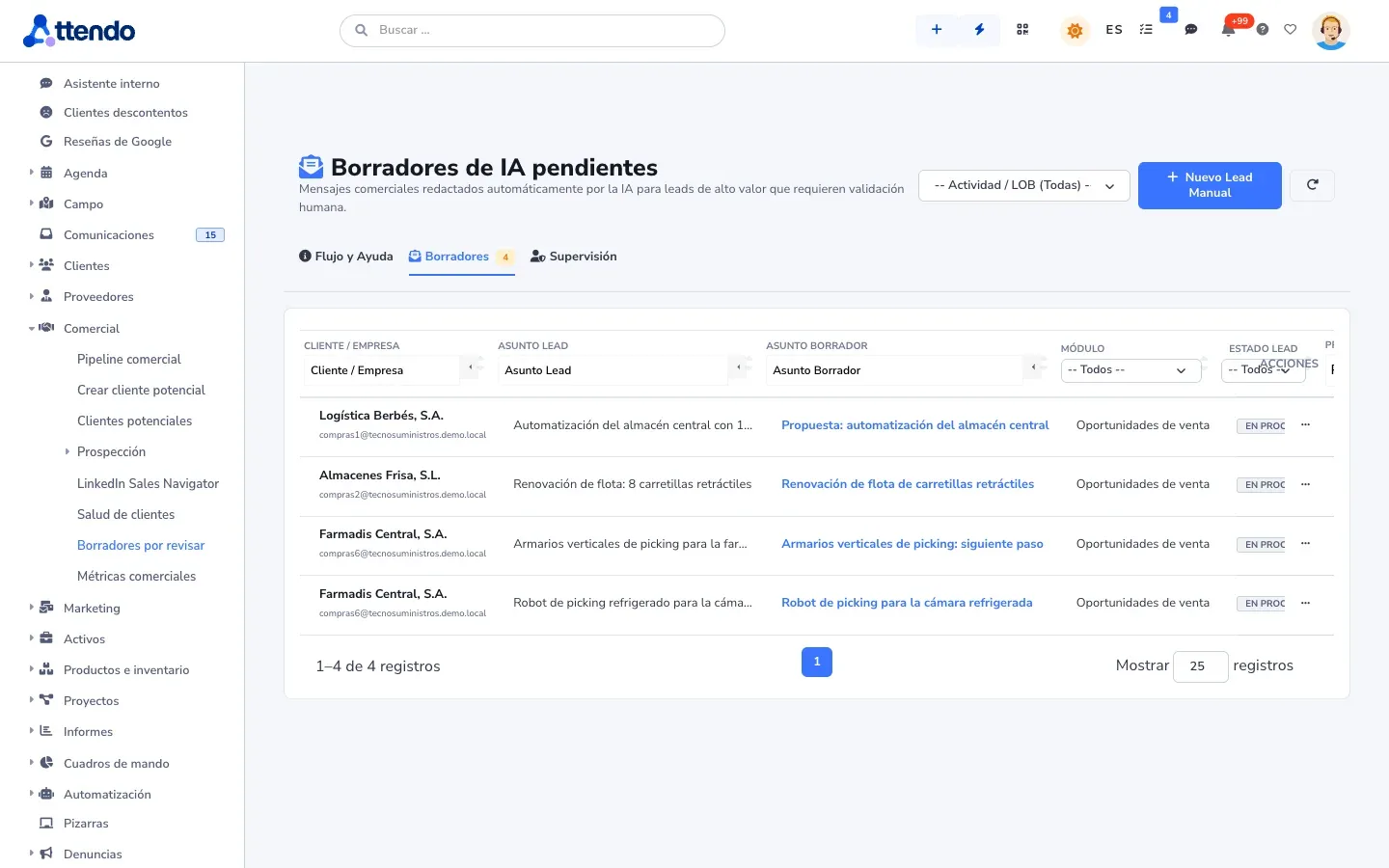
Anything that goes out to a customer waits for your approval by default. The few exceptions, such as automatic sending to low-scoring leads or automatic replies based on your documentation, are off out of the box. Only an administrator can turn them on, and that is logged.
Each operation records who ran it, on which document, with which model and provider, what it generated and what it cost. What was sent and answered is cleared after 90 days; the figures stay.
A monthly budget per provider that warns you as you get close and stops the AI when it is reached. The rest of attendo keeps working.
OpenAI, Google Gemini, Anthropic, Mistral, Scaleway, Microsoft 365 Copilot, OpenRouter, ElevenLabs for voice, or Jev AI (Typesafe AI), built in natively. Models are read live and you can switch providers without redoing anything. The “Default voice” card chooses who transcribes and who speaks. Keys are stored encrypted.
Out of the box, only Scaleway and your Microsoft 365 Copilot receive your customers’ data: the rows of your tables and what pieces such as sorting the Compliance list or the web quote read. If an administrator authorizes another provider, it is logged. And you can turn on a filter that replaces personal data before the text is sent.
Module by module. Without AI, attendo is the same attendo.
Your AI, your provider, your bill, your control.
Where it fits (and where it does not)
It does not close deals or work orders, and it does not approve anything. It assigns leads according to the rules you set.
When it sorts the Compliance list, it judges the document, never the person handling it. We do not pass it the agent’s or the customer’s name, although the text of the messages may contain them.
We do not train or fine-tune models on your information. The AI reads your documents when it answers, with the provider you choose.
The rest of the platform
Frequently asked questions
No. attendo does not train models on your data: the AI reads your documents at the moment it answers. It connects to your provider with your key, and that provider’s terms apply. If your data must not leave Europe or your organization, use Scaleway or your Microsoft 365 Copilot. Out of the box, they are the only ones that receive your customers’ data; if an administrator authorizes another provider, it is logged.
Whatever you use with your provider, visible in real time and with a monthly cap that stops spending. You can also use attendo AI credits on Scaleway.
Not by default. Automatic sending is off out of the box. Turning it on is a logged decision made by an administrator.
You see it before it goes out. And if it does go out, the reply that was sent is on the document’s timeline, and the AI log keeps for 90 days the context it was generated with.
Only the authorized tables, read-only, with no free-form queries and only for administrators. And it always shows what it queried.
Yes. Connect it as the AI provider for attendo, and use attendo as an MCP server from your assistants.
Yes, with your documentation: search across your documents answers by citing your manuals, procedures and contracts. We do not fine-tune models on your data.
An AI provider from Typesafe AI, built natively into attendo. It removes the language model from the output and gives structured answers, with far fewer inaccuracies and a much lower cost. You use it with your own Jev AI key, like the other providers.
Yes. AI is optional and the whole platform works without it.
Request a demo
Turn on the reply draft or the data assistant, set a spending cap and see what happens. We will show you with your own data.
Would you rather talk first?