
Free design, no code
Drag in the controls you need: text, checkboxes, numbers, dates, dropdowns, photos, QR scanning, geolocation, calculated fields and signatures. Before publishing it, you preview it in mobile view and generate a test PDF.
Choose which cookies you accept. You can change this at any time from “Cookie settings” in the footer of every page. Cookie policy
They make the website work, remember this choice, keep your conversation with the assistant if you use it, and protect the forms from bots. They cannot be turned off.
Google Analytics 4 measures statistically how the website is used. During your visit we also remember the campaign source you arrived with and the page you landed on, so we know which campaigns and pages bring us requests. Cloudflare Web Analytics counts visits without cookies and does not depend on this option.
Google Ads measures which requests reach us from our ads (conversions), without your name, email or phone number. It is not loaded until you accept this category.
attendo Checklist
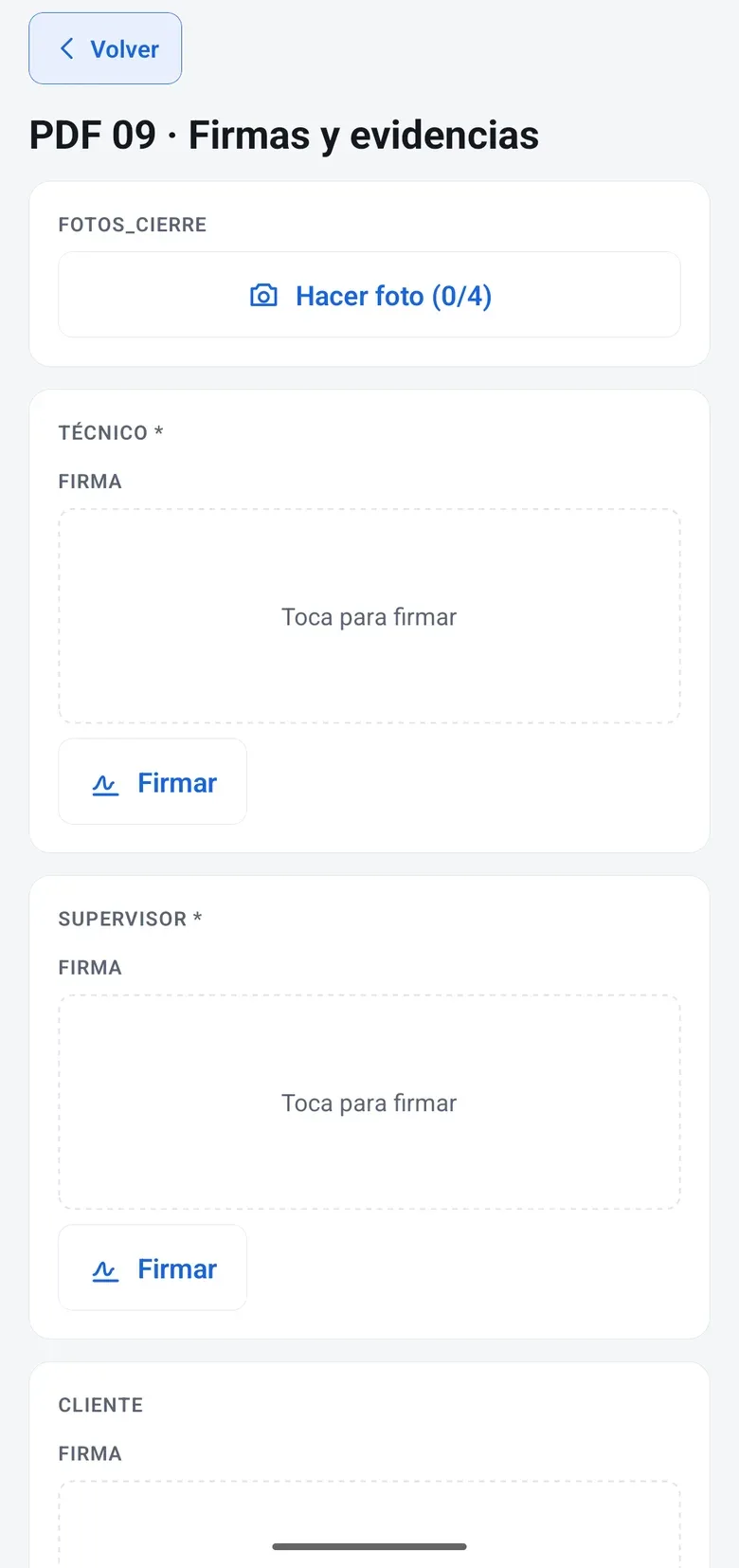
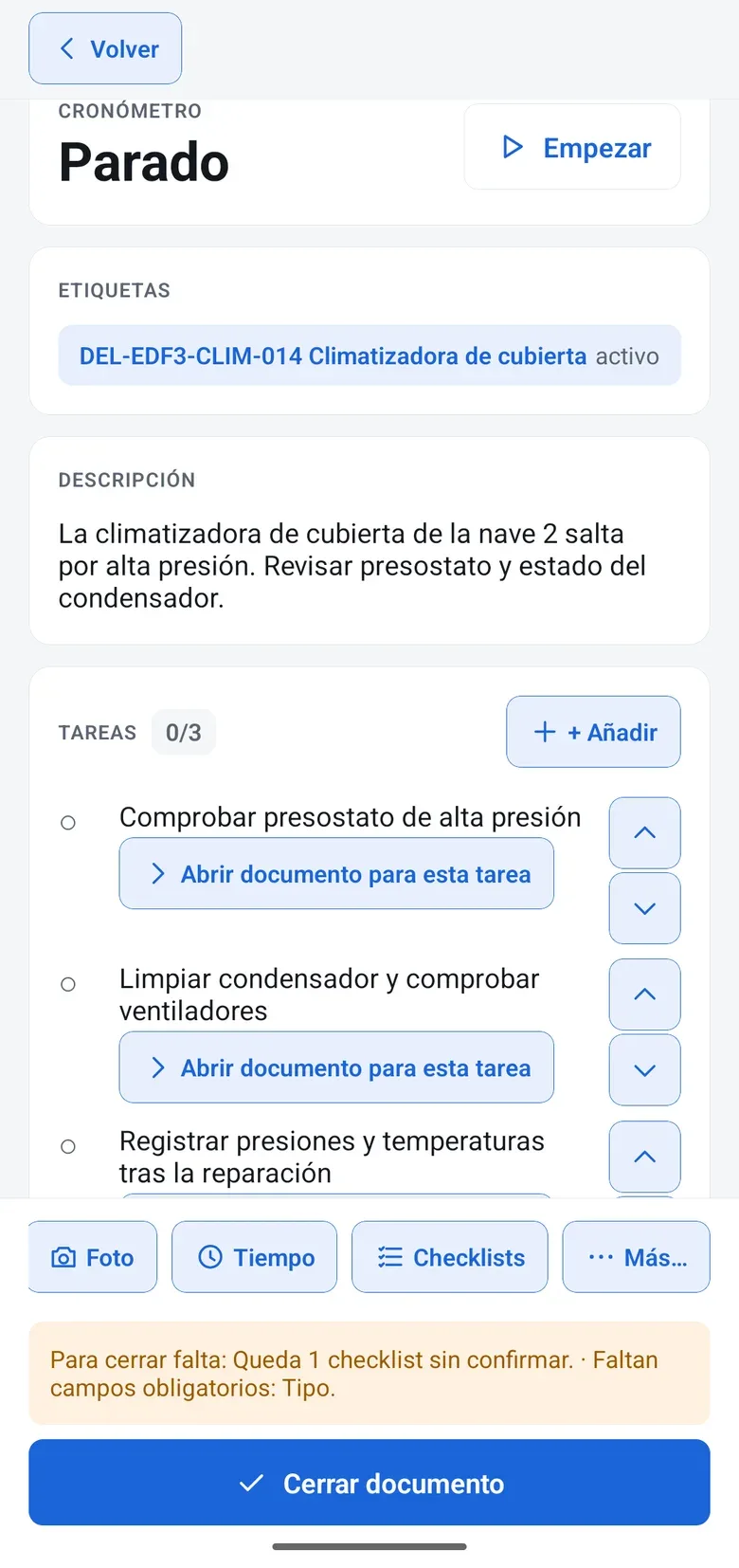
The technician follows the checklist on their phone, takes the photos inside it and collects the customer’s signature. On closing, the PDF comes out with your branding and the document is locked.
Documents and signature
Drag in the controls you need: text, checkboxes, numbers, dates, dropdowns, photos, QR scanning, geolocation, calculated fields and signatures. Before publishing it, you preview it in mobile view and generate a test PDF.
Questions appear based on the answers: if there is a leak, the photo becomes required. And fields arrive prefilled with data from the document, the customer or the asset.
You define the correct range for each reading. If the value falls outside it, the checklist flags it on the spot, and what is found can become a scheduled corrective work order.
Customer signature and multiple on-screen signatures, with a timestamp. On closing, the document can no longer be edited and the branded PDF reaches the customer by email.
You change the template without touching what is already done. Each inspection keeps the version it was done with, and the April inspection reads with the April template.
With the native app, technicians take their documents with them, fill in the checklist with no signal and everything syncs when the signal comes back. From the phone’s browser, they work online.
How it works
This is how it is used day to day, on the same document as the rest of the modules.
Build the checklist by drag and drop or adapt one from the gallery: equipment inspection, safety round or compressor start-up.
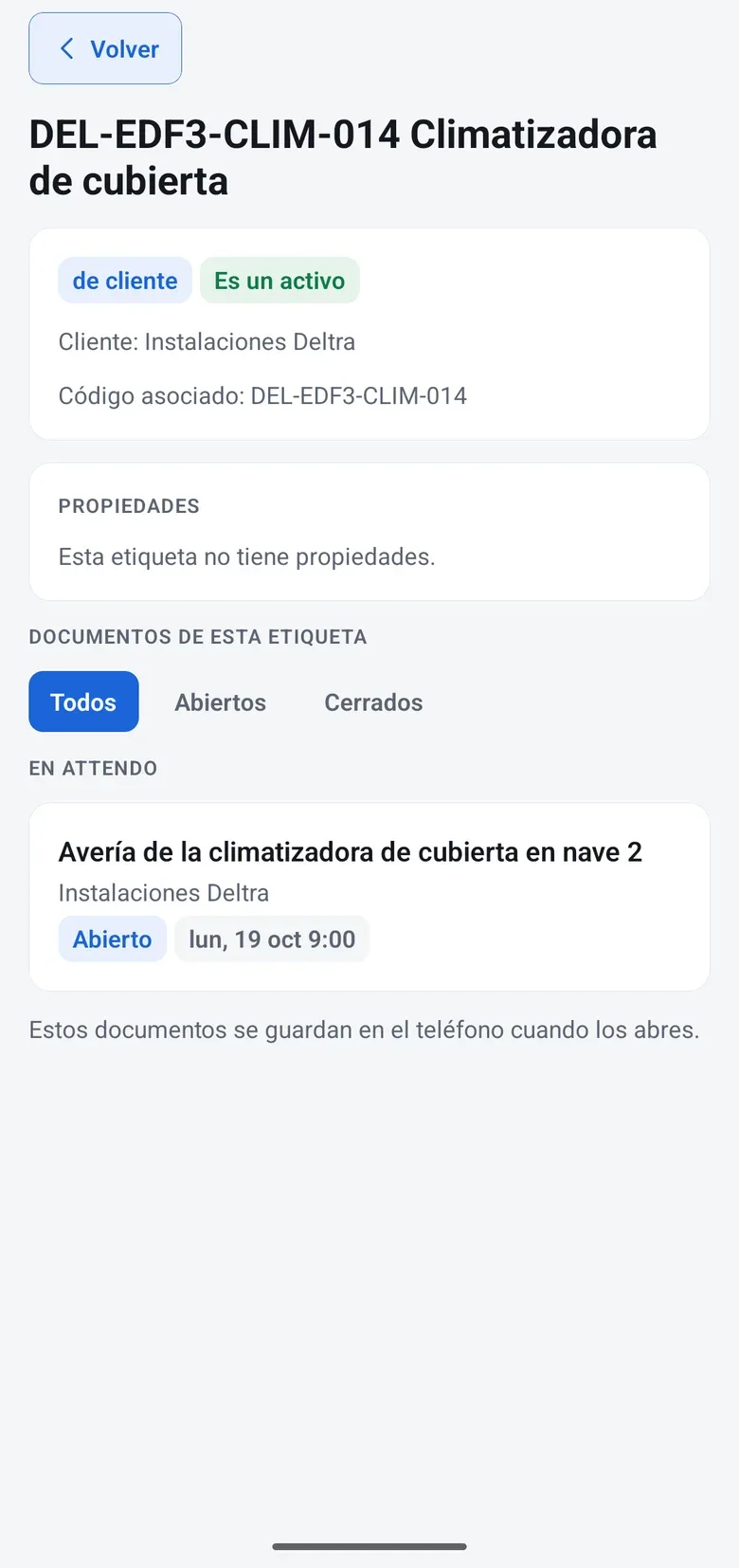
In the maintenance plan, on each piece of equipment’s QR label or in the document that needs it.
Photos, readings, QR codes, location and customer signature, on the phone. Out-of-range values are flagged instantly.
The document is locked and the PDF reaches the customer. The inspection stays on the timeline and in the checklist report.
With marIA on, the technician records a voice note and marIA transcribes and summarizes it in the service report, with no one typing it up. Every operation is logged with its cost, and spending has the monthly cap you set.
Where it is used
Industry solutions
Use cases by department
Honesty
The checklist designer is not on mobile, on purpose: templates are built on desktop.
Works with
Report an issue
Send Ticket TK-2490 createdPublic and QR forms that create the document, no account needed
See attendo FormsService contract
E-signature for the quote or the contract, right from its record
See attendo eSignTasks inside the document or standalone, with a date and an owner
See attendo TasksFlows, phased processes with approvals, and AI inside the flow
See Flows and AI-FlowsGlossary
Field work
Maintenance checklist
An inspection checklist is the list of checks carried out during an inspection, with its record and, where needed, its signature.
Maintenance
Job plan · PM routine
A maintenance task list is the set of operations carried out on a type of equipment, with their frequency. It is the template that preventive work orders come from.
Field work
Job sheet · field service report
A service report is the document that records what the technician did on a job: tasks, time, materials, notes and evidence.
Compliance
Control evidence · audit evidence
Compliance evidence is the record that proves a control or obligation was carried out: what was checked, by whom, when and with what result, along with the documents that back it up.
Frequently asked questions
With the native app, yes: technicians take their documents with them, work with no signal and everything syncs when the signal returns. From the browser, you need a connection.
It stands as evidence of acceptance, with a timestamp, author, location and document lock. If you need stronger guarantees, there is attendo eSign.
No. The gallery includes templates such as equipment inspection, safety round or compressor start-up. You adapt them to the way you work.
Yes. The PDF is identical from mobile or desktop, with your branding. If you use the time and product blocks, the cost is frozen in it on confirmation.
Yes. With Business Process Flow (BPF), a process locks closing until the checklist is signed.
Request a demo
We will show it to you with your own document types and the way you work. If it is not a fit, we will tell you.
Would you rather talk first?